 Joan León
 This post was originally published on Octuweb in October 2017.
Little needs to be said about the importance of animation in websites and applications. Designers and developers are aware of it, just by opening the browser or applications we can appreciate it. But let’s see what’s hidden under the definition of Motion Craftsmanship.
As designers and developers, we have a multitude of tools at our disposal to apply animation to our websites or applications. From animation design tools like After Effects, Edge Animate CC, atomic or Principle, through the magnificent guidelines from Google, Apple, Microsoft, IBM, SalesForce or Audi, libraries like Animate.css, Motion UI, GreenSock, Velocity.js or even the current development of a native browser API WAAPI.
But let’s go back to the beginning…
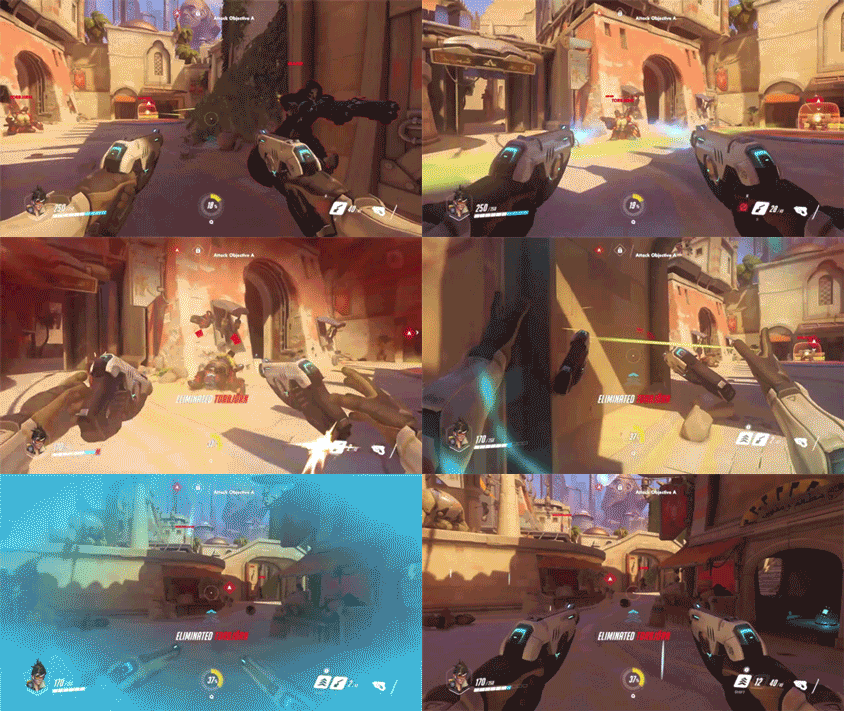
What is Motion Craftsmanship?
Let’s start with the definitions:
-
Motion (Movement) In mechanics, motion is a change in the position of a body over time with respect to a reference system
-
Craftsmanship (Craft) Craftsmanship refers to both the craftsperson’s work and the object or product obtained in which each piece is different from the others.
But in our context we’re going to refer to Craftsmanship according to the definition of the Software Craftsmanship manifesto. Let’s list what Motion Craftsmanship encompasses.
Principles of Animation
Here we’ll find 3 principles as reference:
12 Basic Principles of Animation

The 12 principles of animation were developed in the 1930s by two veteran animators from Walt Disney Studios: Frank Thomas and Ollie Johnston. These fundamentals, the product of reflections and study of sketching techniques, made Disney’s cartoons, especially the characters, seem more real in terms of movement. Today, these principles are the support of any animation project. Their use translates into expression of personality and character of every element regardless of whether it’s a traditional 2D, 3D object, stop-motion animation or even a block from modern mobile device interfaces or web pages.
At Octuweb 2015 Luis Herrero wrote Animating experiences where he details his interpretation of these principles in web environments and applications
The 10 Principles of Motion Design

Jorge R. Canedo presents his adaptation of Frank and Ollie’s 12 principles, converting them in this case to 10 principles. I think it’s a good adaptation for Motion Design.
12 Principles of UX in Motion
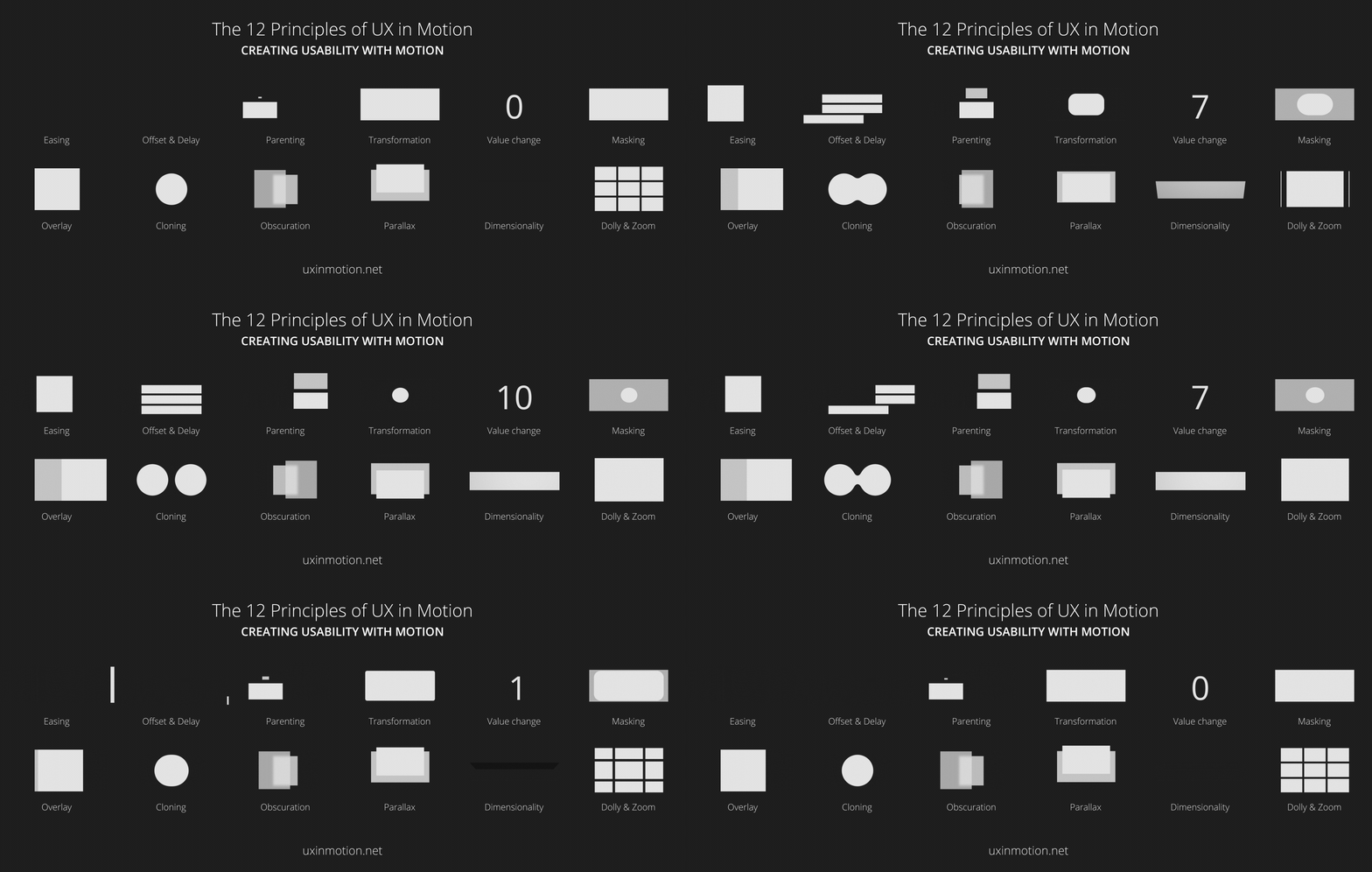
This time Issara Willenskomer from UX in Motion publishes a manifesto where he collects what he considers to be the 12 principles of UX in Motion. In this case, after reviewing his proposal in detail, we can see that, contrary to the principles proposed by Jorge, in this case the only thing that coincides with the basic principles of animation from Disney veterans is the number of principles, as they are very focused on the user interface.
Material Animation
Material animation is about achieving a user interface that has a logical perception of space and applying animation according to physical laws. When our animations take into account values like gravity, inertia, friction, speed and rigidity, they are perceived as authentic and help people memorize UI/UX patterns more easily, because they are familiar and predictable.
With material animation we make the user interface more predictable and easier to navigate
Functional Animation
Functional animation is subtle animation integrated into user interface design as part of that design’s functionality. It reinforces the design and has very clear and logical purposes. It helps people orient themselves within the interface. Our brain is prepared to pay attention to moving objects - it’s a reflex.
Functional animation fills comprehension gaps
The main functional animations:
- Visual feedback of actions.
- System status visibility.
- Visual indicators and hints.
It’s important to dedicate time to defining animation functionality and conducting tests to determine its usefulness and longevity.
Performance
Performance is a very important feature in any product. That an animation is seen fluidly, that downloading an animation library doesn’t penalize the loading time of a page or application, are things we need to look at in great detail.
Sometimes we’re tempted to use the trendy animation library, but we have to keep several things in mind. At this point we’re evaluating our code optimization, so using a library with more than 70 animations and we’re only going to use 3 of them, we’re increasing the download data of our website or application.
Another aspect related to using animation libraries is that we’re implementing an animation identity to our product that might not fit. I think it’s very good to analyze references, but we should take, break down and modify animations so they adapt to the product we’re developing at any given moment.
Performance isn’t limited to looking at our code’s weight, but at its operation on different devices. The term Responsive Animation has been used for a while, which proposes adapting animations to different resolutions and devices.
Motion-sensitivities
 Illustration by Sue Lockwood
We’ve reached a very interesting point, as it’s the one that comes closest to user experience. I even dare say it goes further than mere experience, it reaches user feelings.
The term Motion Sensitivities or Reduced Motion refers to the option to disable animations (Apple added it to iOS 7). This decision is proposed as a solution for the large community suffering from Vestibular Disorder, which can cause vertigo and dizziness, imbalance and spatial disorientation, visual problems, hearing changes, and psychological and/or cognitive changes.
Disorders can affect people of all ages, and severity and symptoms vary from person to person. Val Head wrote an interesting article detailing several of the animations causing these disorders: Designing Safer Web Animation For Motion Sensitivity. In mid-May 2017 Apple announced support for prefers-reduced-motion, part of CSS Media Queries Level 5, User Preferences, in Safari in the article Responsive Design for Motion and on CSS Tricks we can find a good article about it An Introduction to the Reduced Motion Media Query
CSS syntax for reduced-motion preferences
@media (prefers-reduced-motion) {

}

@media (prefers-reduced-motion: no-preference) {

}

@media (prefers-reduced-motion: reduce) {

}

@media not all and (prefers-reduced-motion) {

}
Conclusion
As developers and designers it’s easy to fall into the temptation of using the latest tool, library or technology that appears, but we must keep in mind the two most important things: content and the user. We must add animations to improve content and make it easier for users to consume that content.
Returning to the Motion Craftsmanship definition, we have to be aware of the functions we’re defining, designing, programming, what that functionality contributes to the product, who’s going to use that functionality, on what devices, and assess possible disorders to users.
Good animation is invisible
Craftsmanship or Craftsperson are terms that, in my opinion, simply suggest doing things with common sense. Below I present a list of what I consider a person who wants to dedicate themselves to interface animation should keep in mind.
- We should use animation to solve design problems and make it easier for users to read content.
- It’s basic to know the principles of animation, as well as their implementation in the product we’re developing.
- Interactions and animations should be informative, not just special effects.
- Animations should be functional, natural, responsive and sensitive.
- We shouldn’t animate something no one will see, Mind the hand
- We must consider performance.
- Good animation is invisible, animation shouldn’t stand out more than the content.
Interface animation is a discipline that’s constantly adapting to content and devices, so we must maintain constant learning.